2pyrtl
Describe hardware in Python.
See the schematic.
2pyrtl lets you write your RTL (Register Transfer Level) design in Python and generate Verilog or VHDL files, and draws the schematic that you can arrange as you like, all in your browser! Nothing to install! You can download your RTL and schematic files anytime you like. Those are all yours!
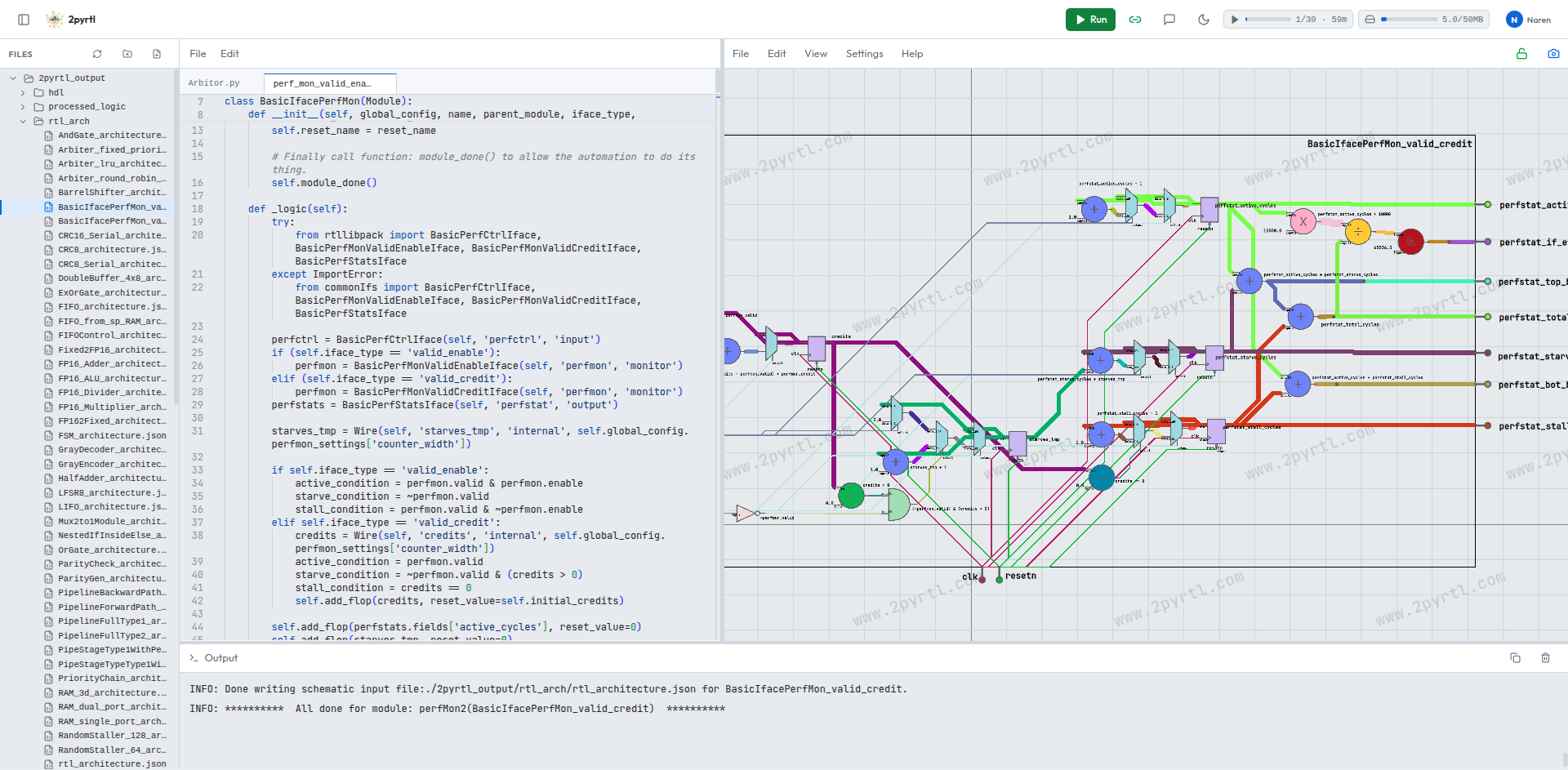
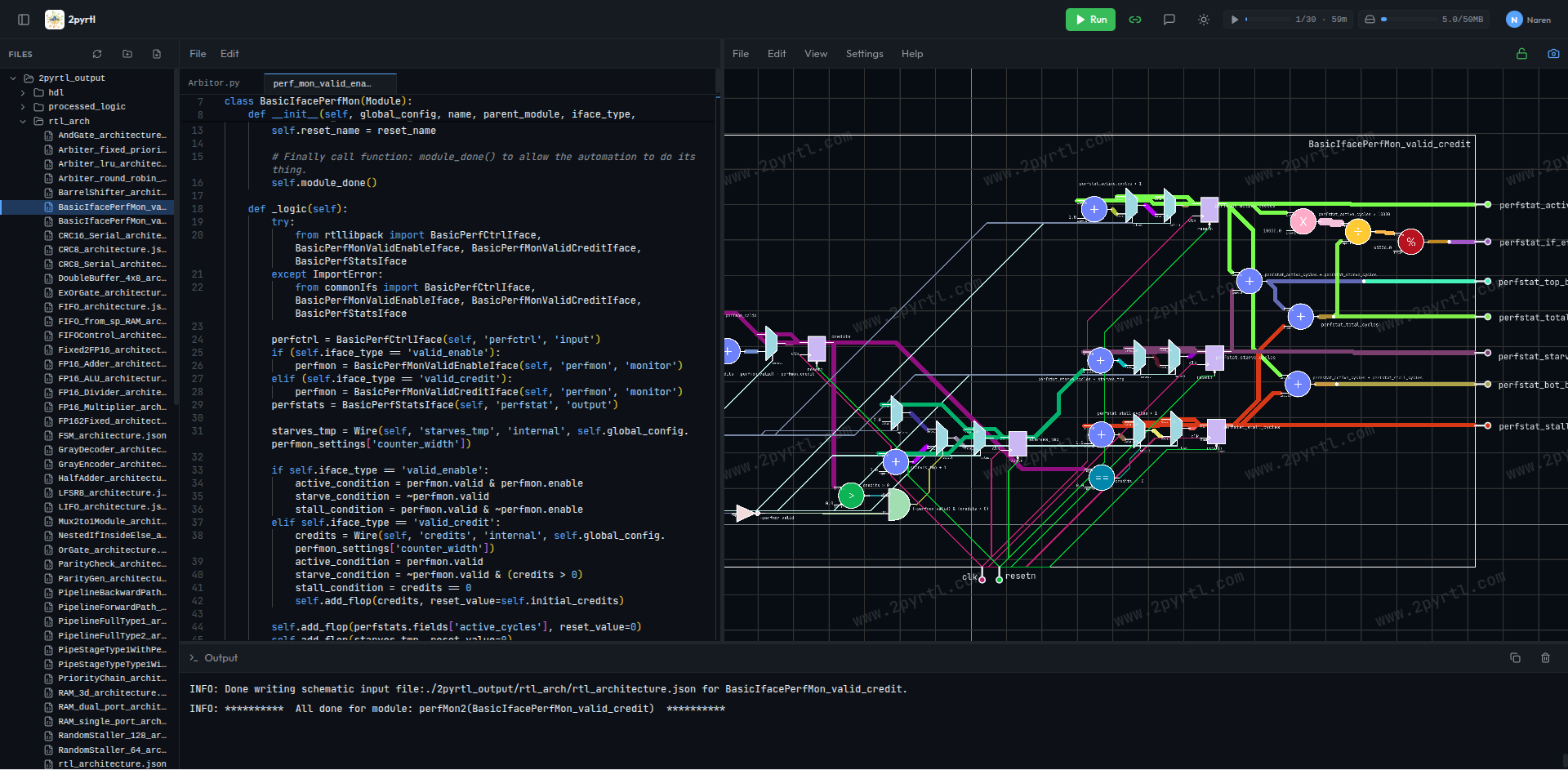
Write in Python, analyse in schematic
Describe it all in Python! The hardware logic and the automation logic. No separate set of HDL files and automation scripts. When you are done, hit Run and 2pyrtl will create Verilog or VHDL files and draw the schematic that you can re-arrange as you like. The analysis is visual, which is more human-friendly than reading through the HDL files.
Nothing to install
2pyrtl is a complete RTL design web app that runs in the browser. Nothing to install. No toolchain to set up. No licence server. And no machine to keep working - just open a tab, log in to your account and start working on your ideas! Anytime, anywhere. Seize the moment: your toolbox and your work are always with you!
Encrypted in your browser
Worried about prying eyes? Don't! Your files are encrypted by your own passkey or passphrase in your own browser before they are stored in your account's cloud storage. When you log out, nobody can read them*. When we say nobody, we mean nobody, not even us! Your privacy and security are at the core of 2pyrtl's architecture.
How it works
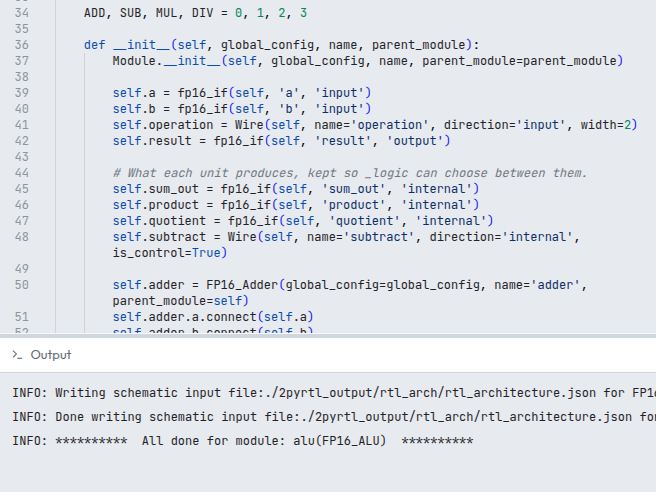
Write it in Python
Plain Python, with an open library of components to build on. Your design is code, so everything you already do with code still works.
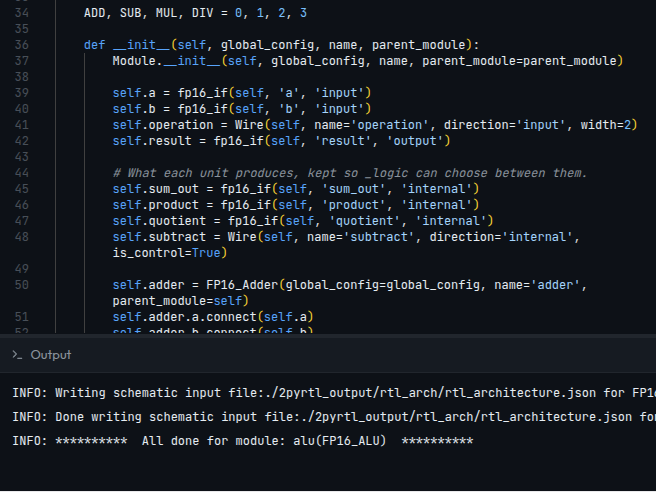
Run it
Each run happens in its own isolated sandbox and streams its output back as it goes. Runs are capped at 30 seconds.
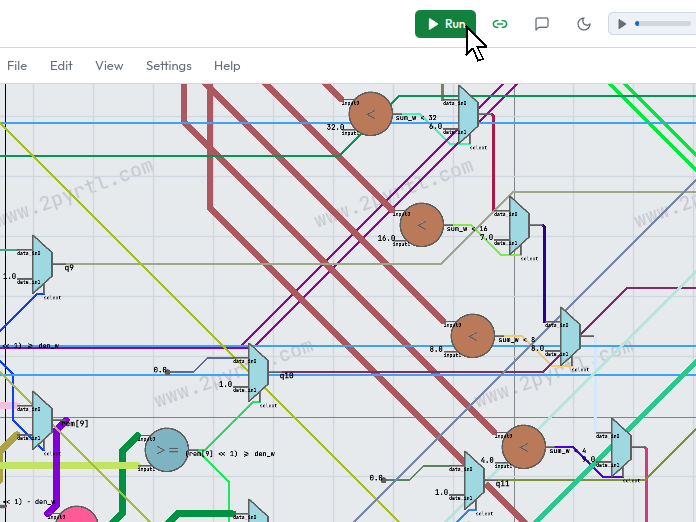
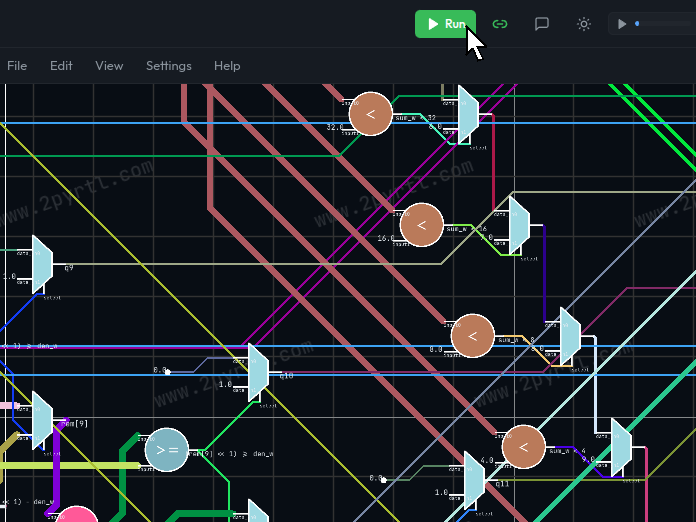
Explore the schematic
The generated design opens in the viewer. Move things, flip them, resize the boundary, and keep the layout you arrive at - it is saved with your work.
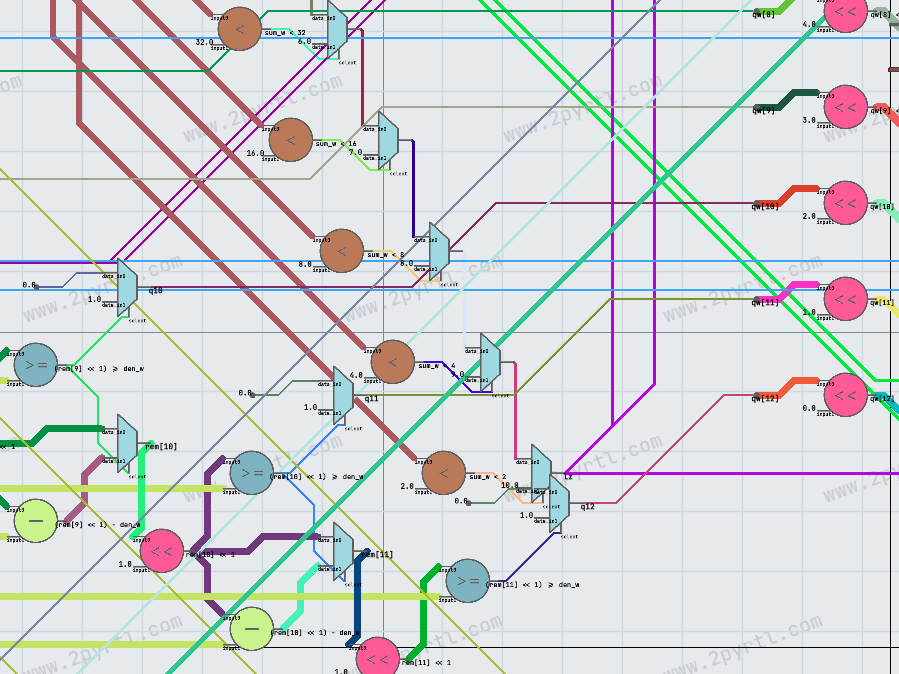
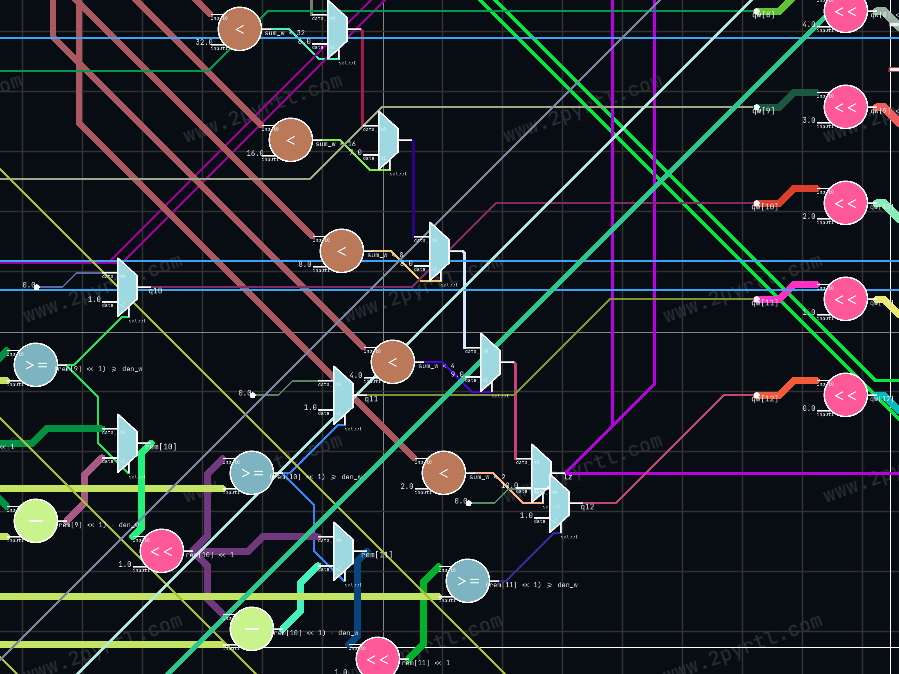
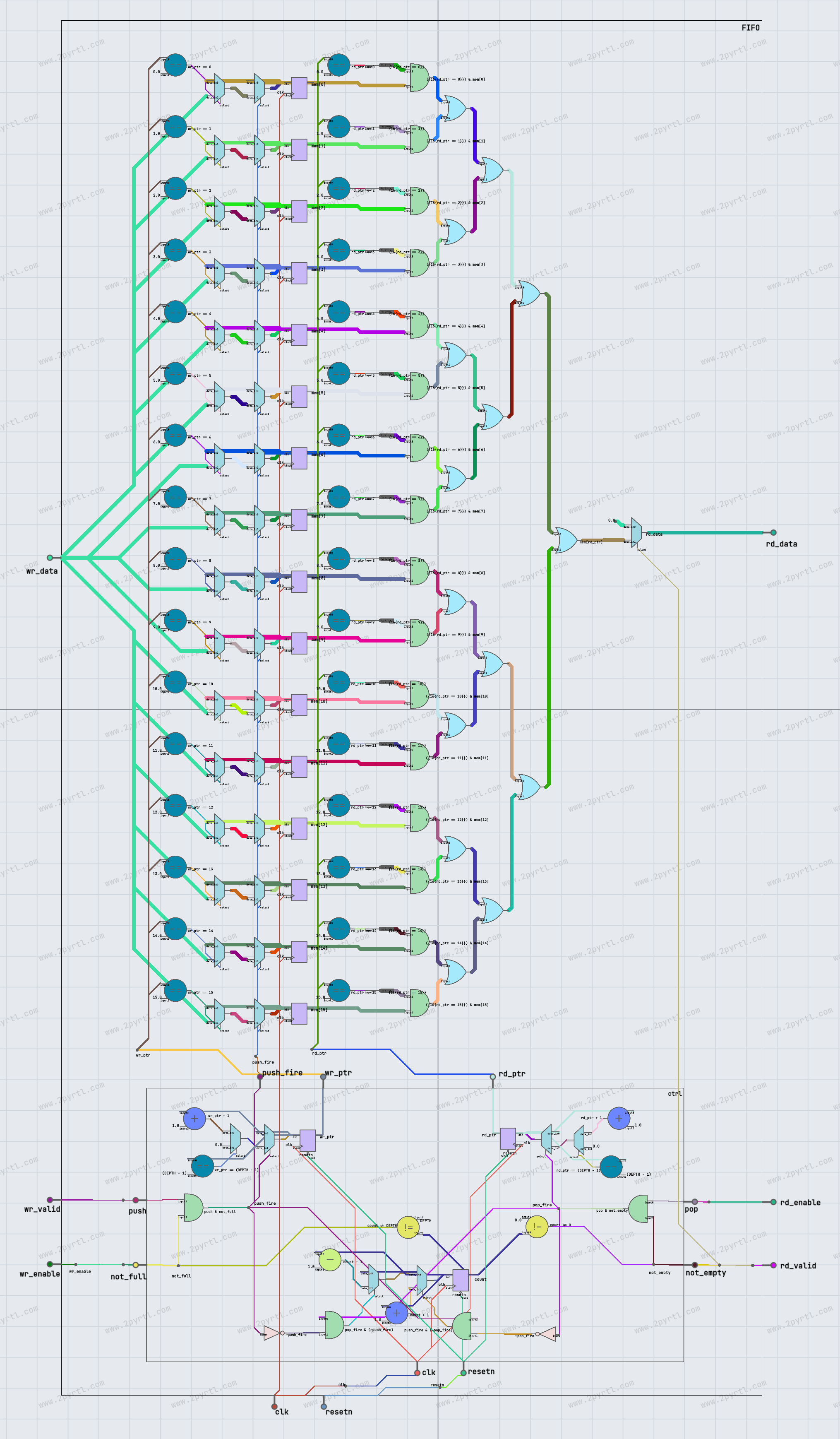
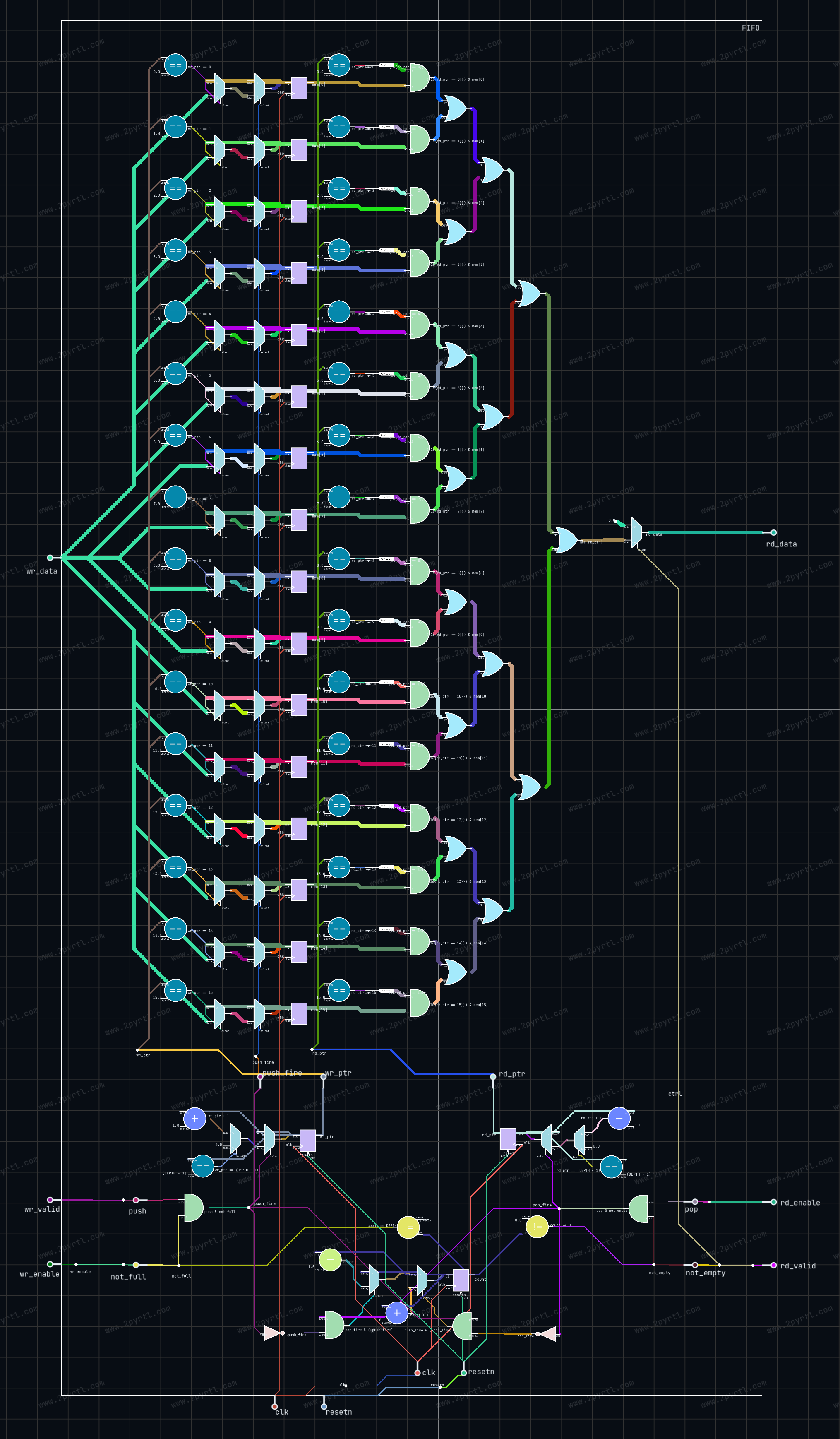
Interact puts the real viewer in the frame, on a 16-deep FIFO from the library: drag components and wire corners, scroll or pinch to zoom, right-click or press and hold for menus, Ctrl+Z to undo. Nothing is saved.
What you get
An account is free and takes a passkey to create.
- Verilog and VHDL output
- A schematic viewer that keeps the layout you arrange
- An open library of components to build on
- Runs of up to 30 seconds, in an isolated sandbox
- A 50 MB encrypted workspace
- Export a schematic at print resolution
- And more coming soon!
Write some hardware
An account takes a passkey and no card. Your first design can be running a minute from now.
Get Started